WriteAway · Features
Write
A Markdown-based editor. No need to reach for formatting tools. Your document list opens on the left, and on the right — only your words. Auto-save is always on, so you never need to press save.
Markdown · Auto-save · Document management
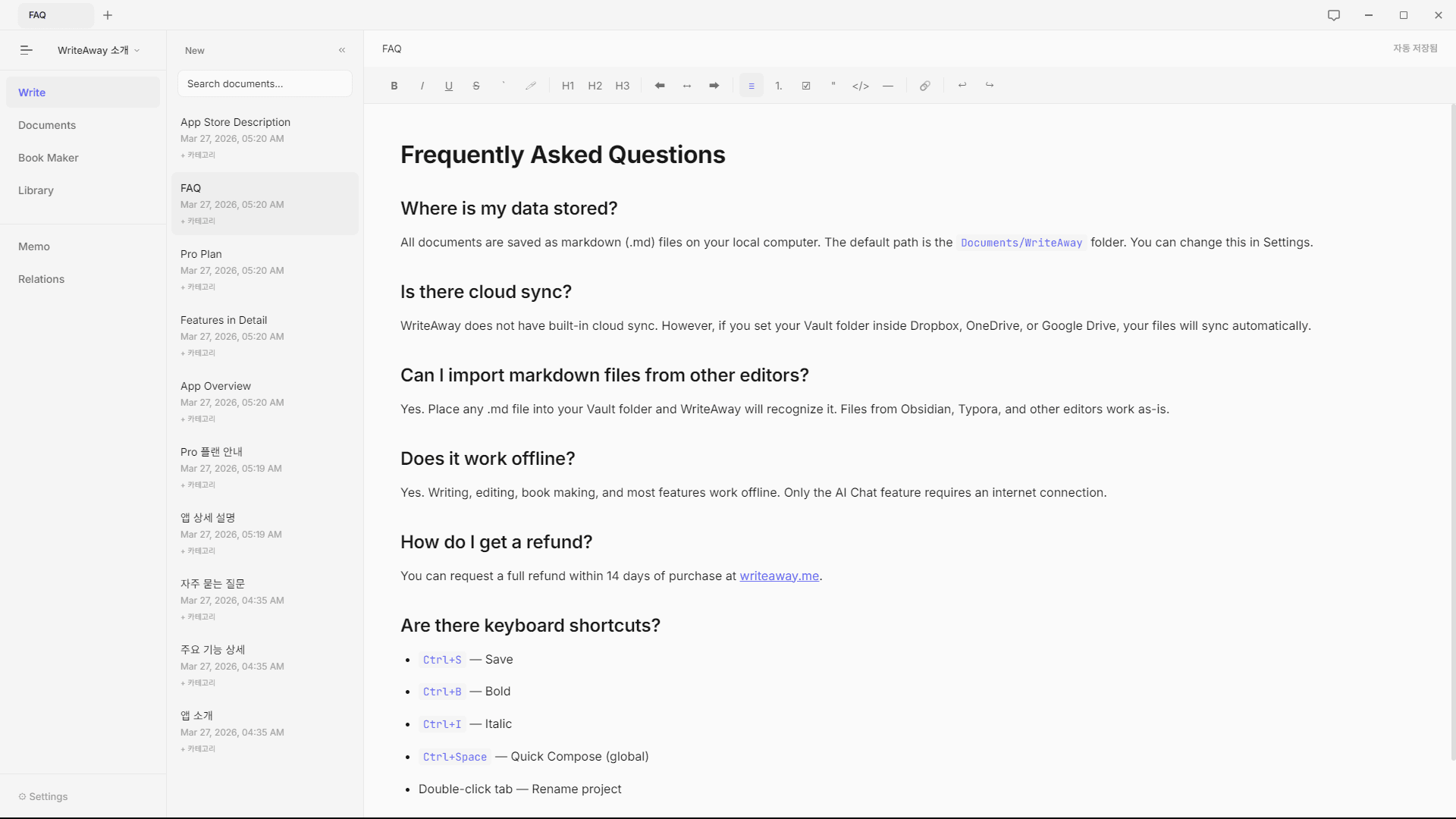
Full Screen Mode
Removes the sidebar and toolbar from view. The entire window fills with just your text, and everything else disappears. A screen where writing is everything.
Full window · No sidebar · No toolbar
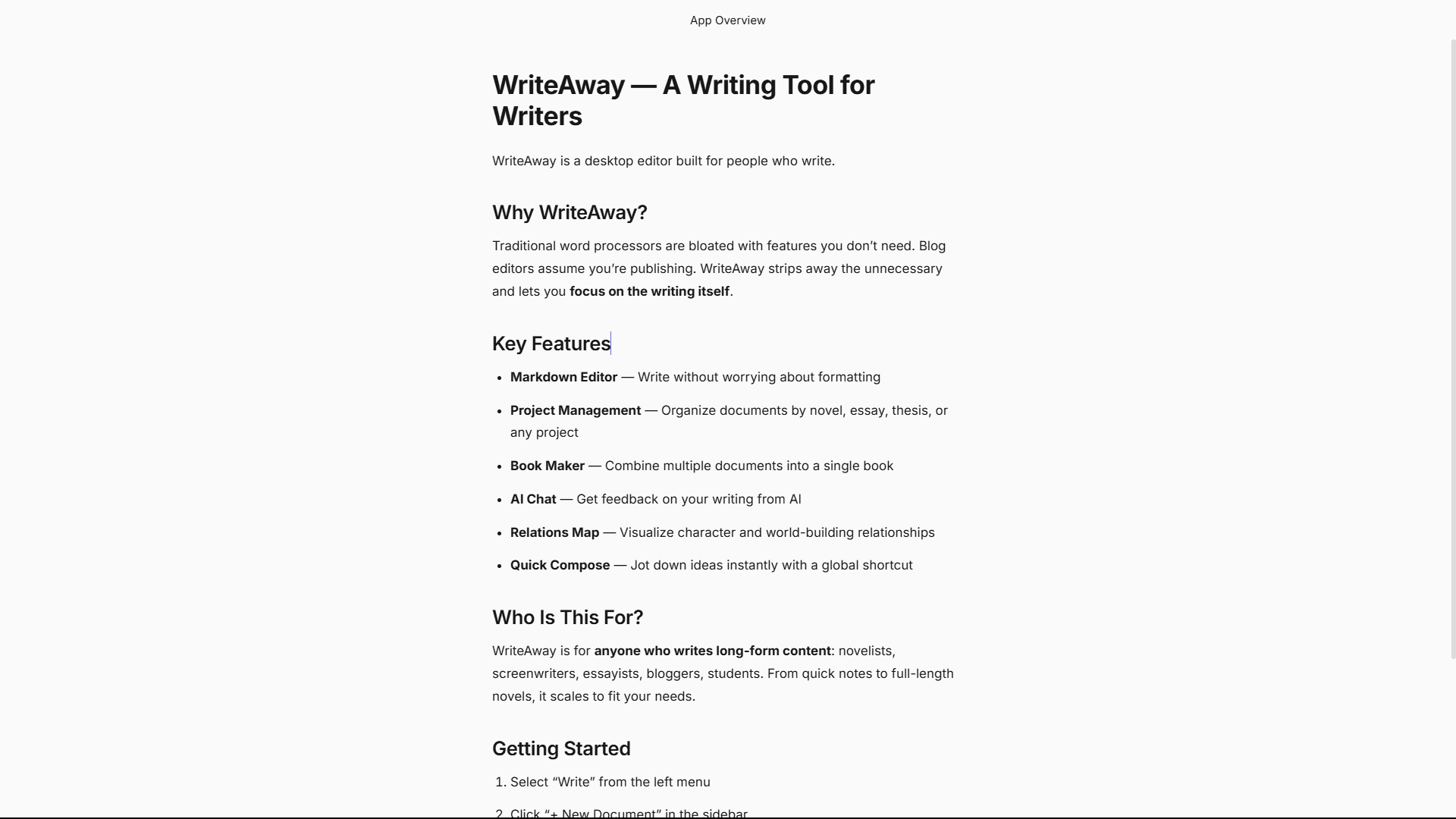
Write with Commands
Press Ctrl+Space and a writing window appears above any screen. No need to switch apps or open a new tab — write the moment a thought strikes. Save it and it goes to your document drawer.
Ctrl+Space · Floating window · Global shortcut
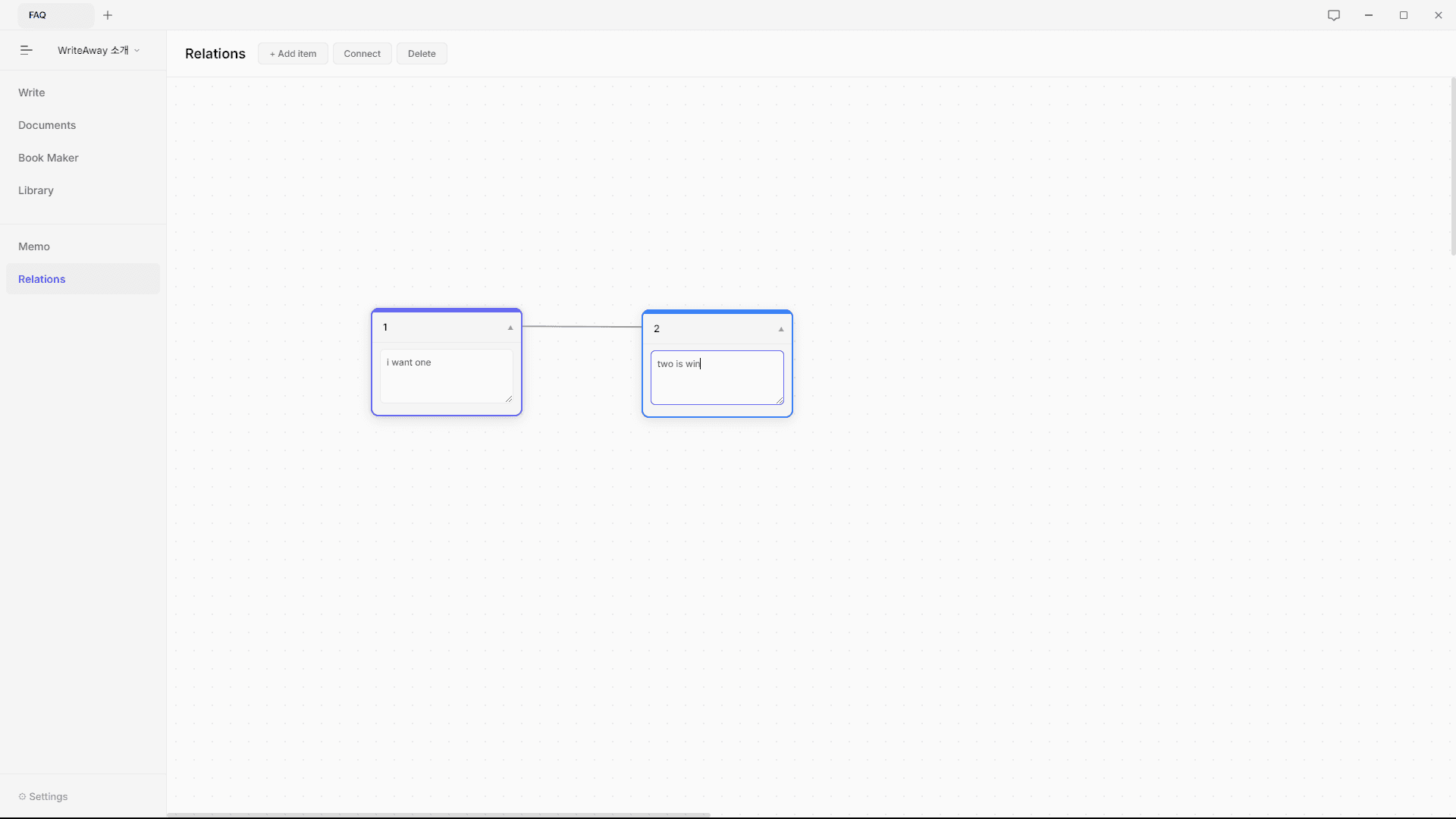
Visualize Relationships
Connect ideas with nodes. Characters, events, concepts — place the things that need connecting on a canvas and draw lines between them. A space to sketch structure before you write.
Node connections · Relationship map · Planning canvas
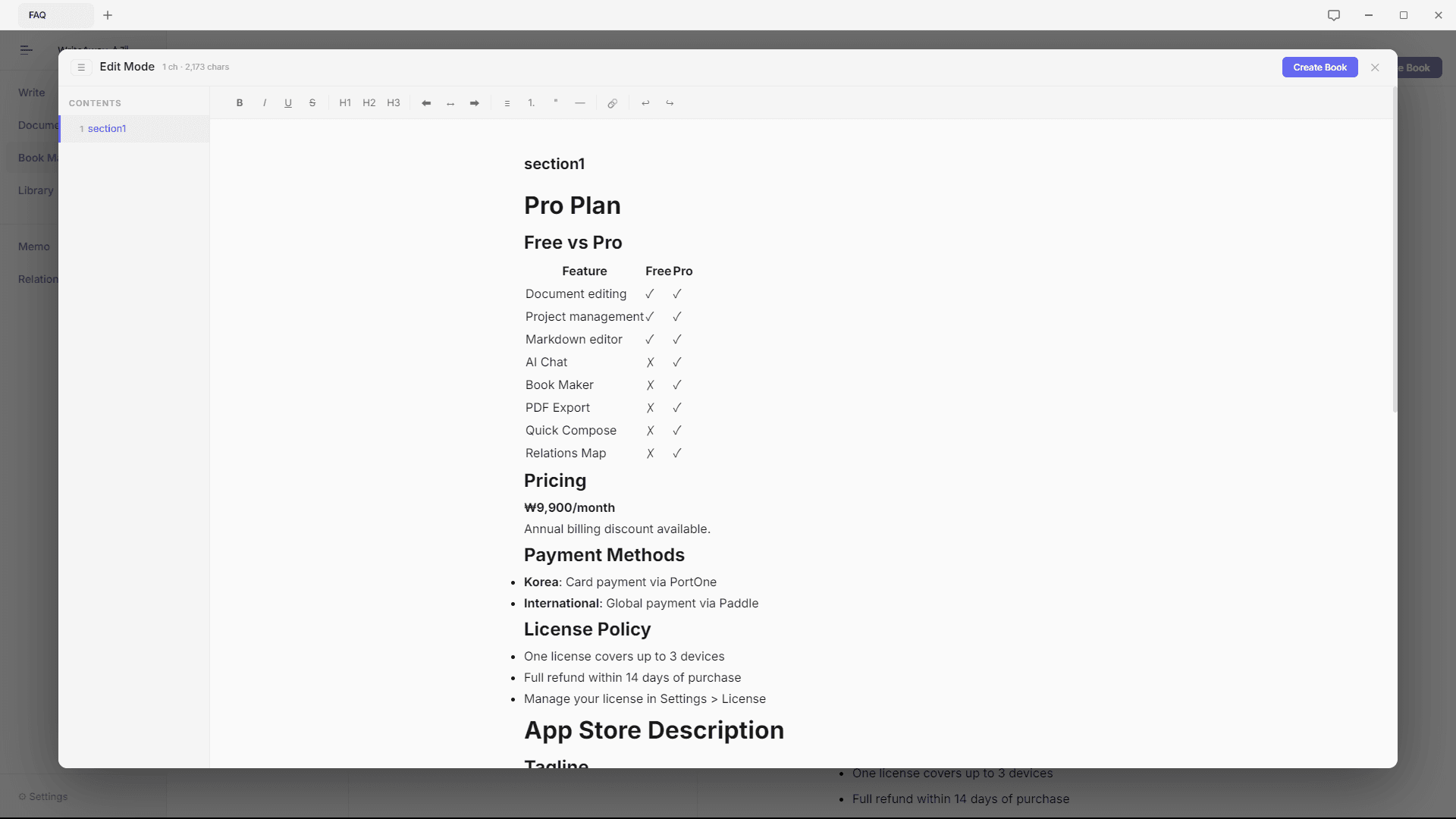
Book Editing
Gather your documents and bind them into a book. Organize the table of contents, edit sections, then press Create Book. Supports PDF export and book format conversion.
Table of contents · PDF export · Book creation